I built a roofing company’s website and its whole back office. It’s live.
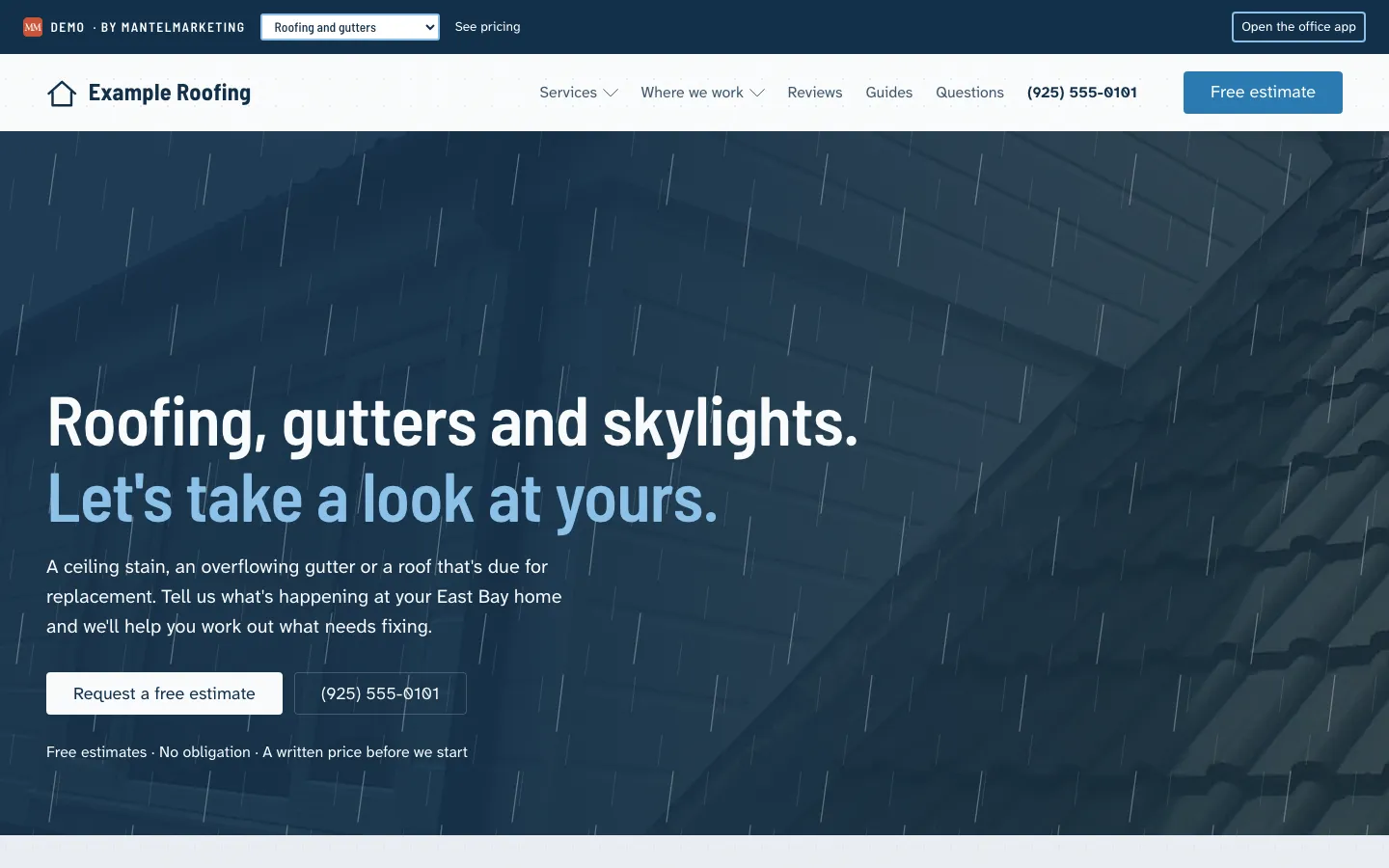
01 · Right now
If your office sounds like this, keep reading.
“Did anybody call back the lady with the ceiling stain?”
The form on your website goes to an inbox nobody checks on a job day. Somebody sees it Thursday, and by then she’s had two other roofers out.
“Where’s the Castillo estimate?”
The measurements are on a legal pad in the truck and the prices are in your head. The PDF gets typed up Sunday night, and then you wait to hear whether she printed it, signed it and scanned it back.
“Which house are we at Thursday?”
The crew lead texts you for the address at six in the morning. At ten the homeowner calls to ask when you’re coming.
02 · The week
Here’s a week in your office, in order.
Every screen below is the live demo. Open it next to this page and follow along.
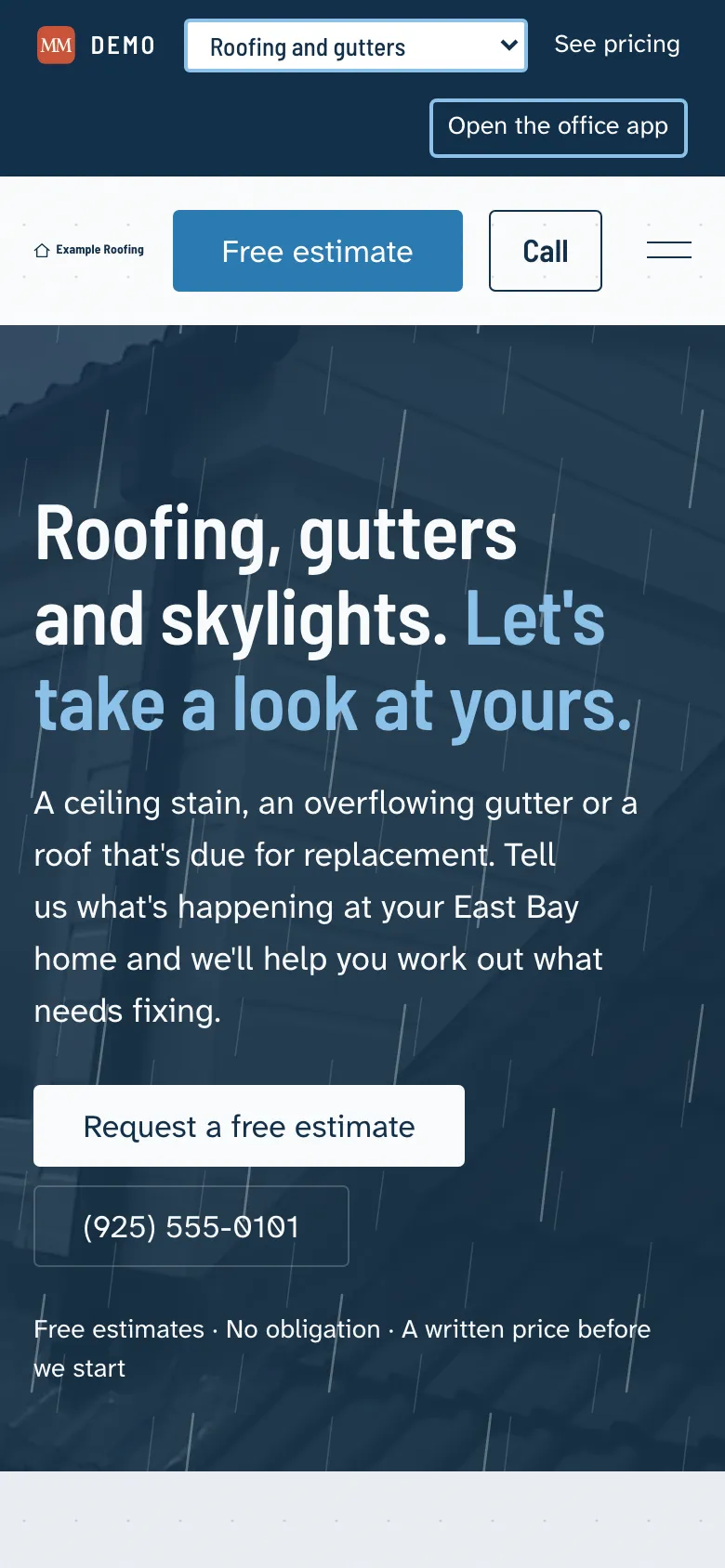
Somebody Googles “roofing company Brentwood.” This is the page I want them to land on.
Every city you work gets its own page. Every problem gets its own page too: water coming in right now, gutters overflowing, cracked tiles. Then guides, like five-inch or six-inch gutters, so you’re the one who knows what they’re talking about before they ever call.
That’s how a small company gets a real shot at the searches that turn into jobs.
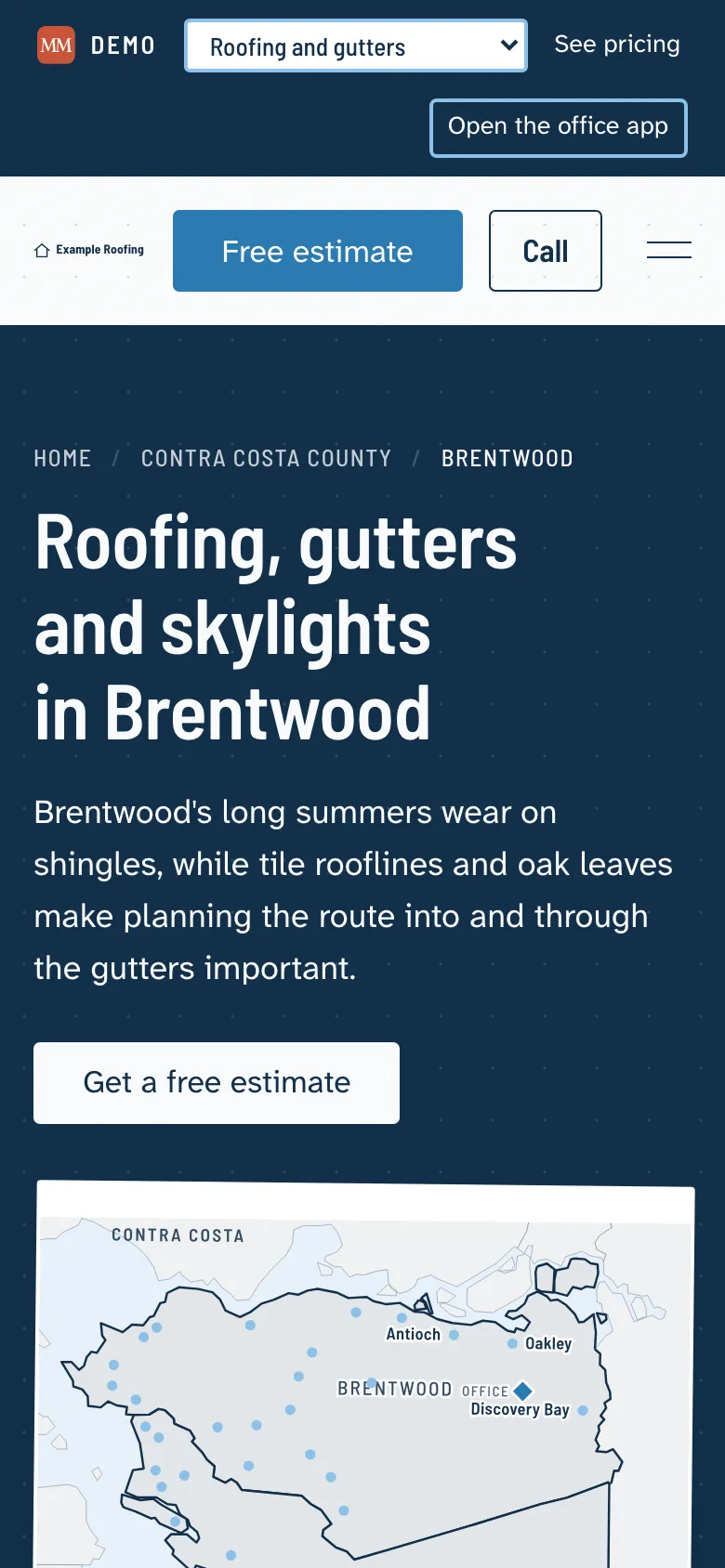
A ceiling stain in Antioch. They’re on your site, not on hold.
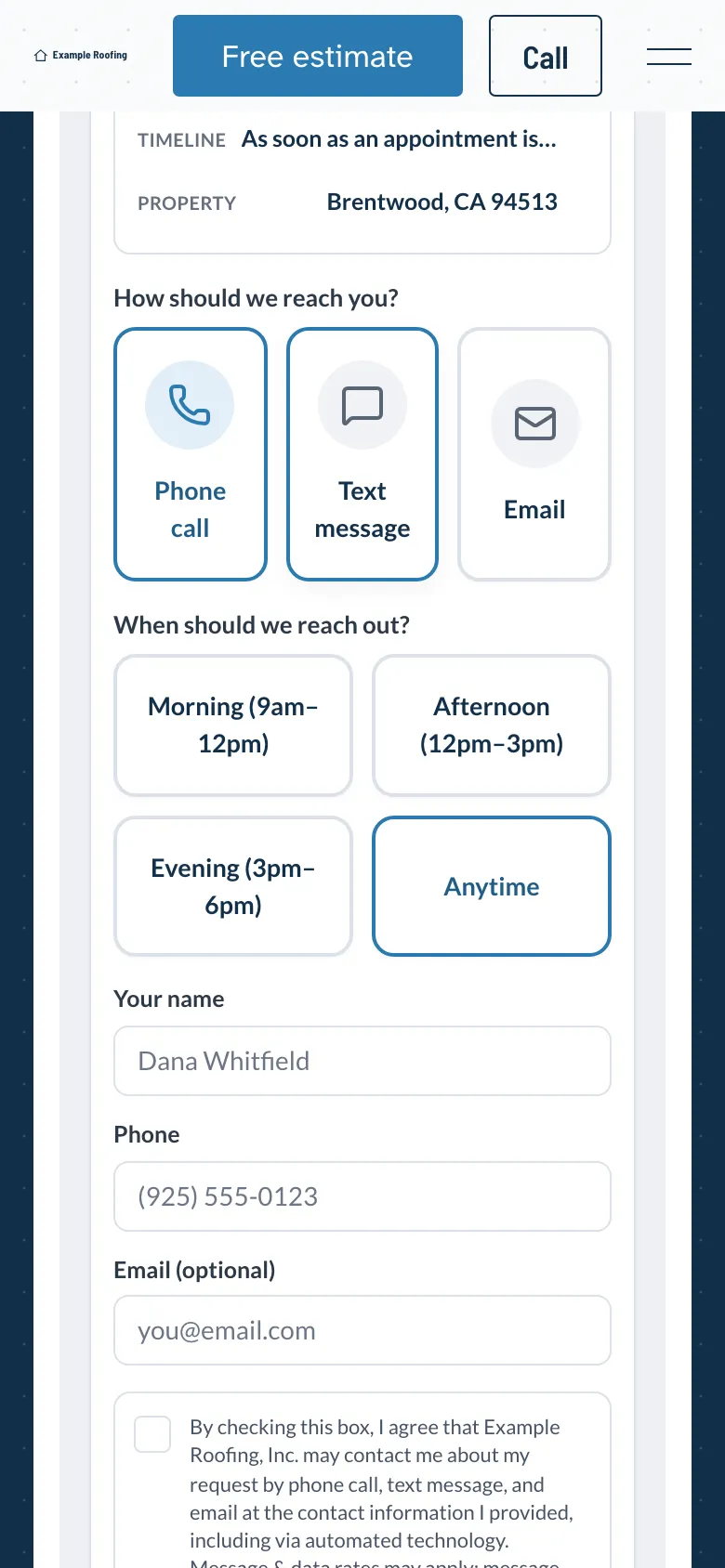
A few taps on their phone: what’s going on, the roof material, the house, how soon, and the address. Then they tell you how they want to be reached and when. A text in the morning, a call in the evening, whatever works for them. When they send it, a ballpark range shows on their screen so nobody’s caught off guard later.
The tire kickers weed themselves out. The real jobs come through.
It’s already in your office. And in your inbox.
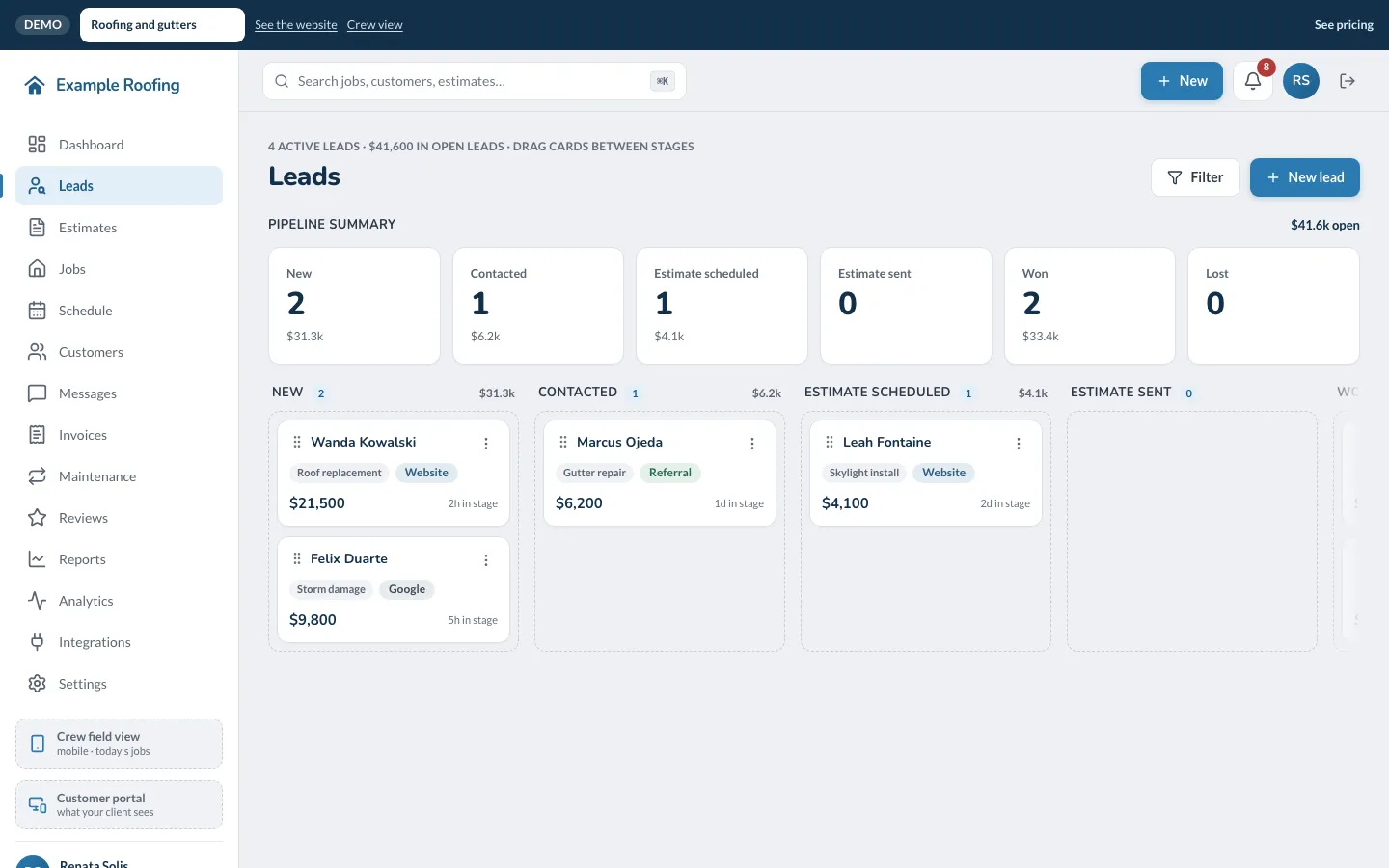
Every lead sits in one pipeline: new, contacted, estimate scheduled, estimate sent, won. Open one and it’s all there. What they said in their own words, how they want to be contacted, and a log of every call and note, so nothing lives in somebody’s head.
Reach out the way they asked, first thing. First impressions are most of it. If you’d like, the confirmation they get can offer a link to book the estimate visit themselves.
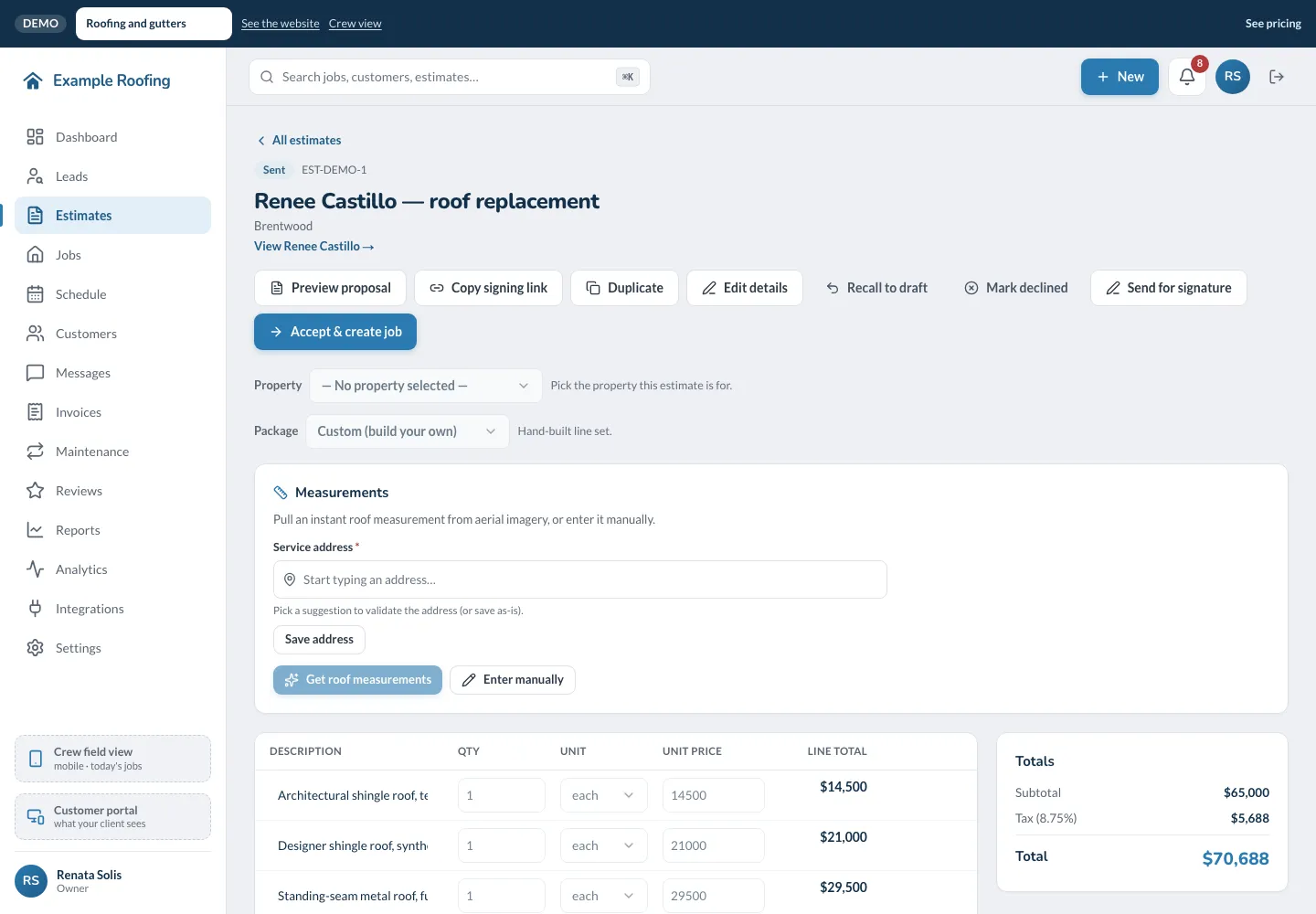
Pull the roof measurement. Send it for signature. Done before lunch.
Type the address and pull the roof measurement from aerial imagery, the same kind the solar companies use. Squares, ridge and underlayment come off it, and your own price list does the math: good, better or best, or gutters only.
They sign on their phone, you click accept, and it’s a job with a crew on it. Nobody types up a PDF at the kitchen table on Sunday.
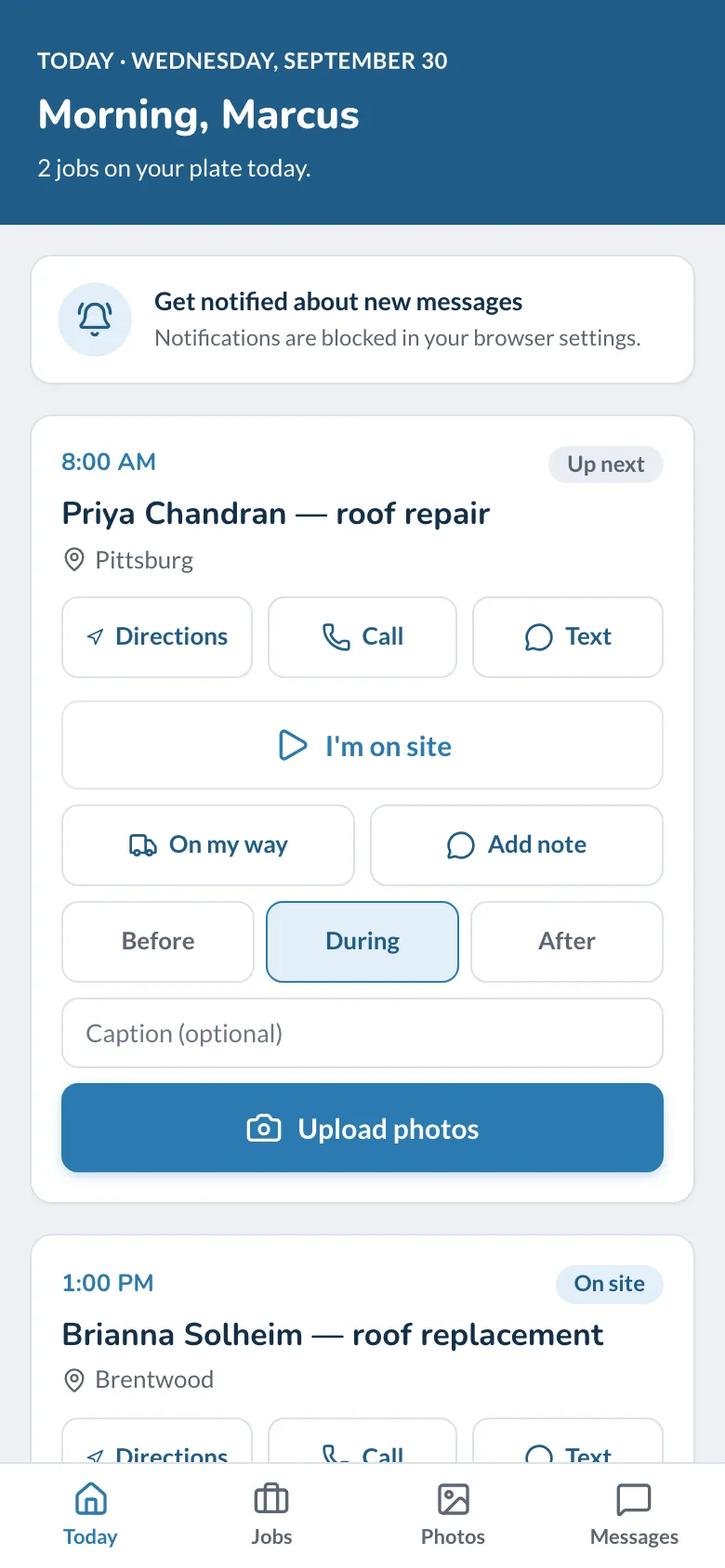
Crew A already knows which house is Thursday.
The week’s on the schedule with a map, so you can route the day. There’s a read-only share link for the guy who never logs into anything, and it drops straight into a phone calendar.
On the crew’s phone they get the address and directions, plus an “I’m on site” button, so you’re not calling around to find out where everybody is. They shoot photos before, during and after the job. The after photos are your portfolio, and I put them on your website.
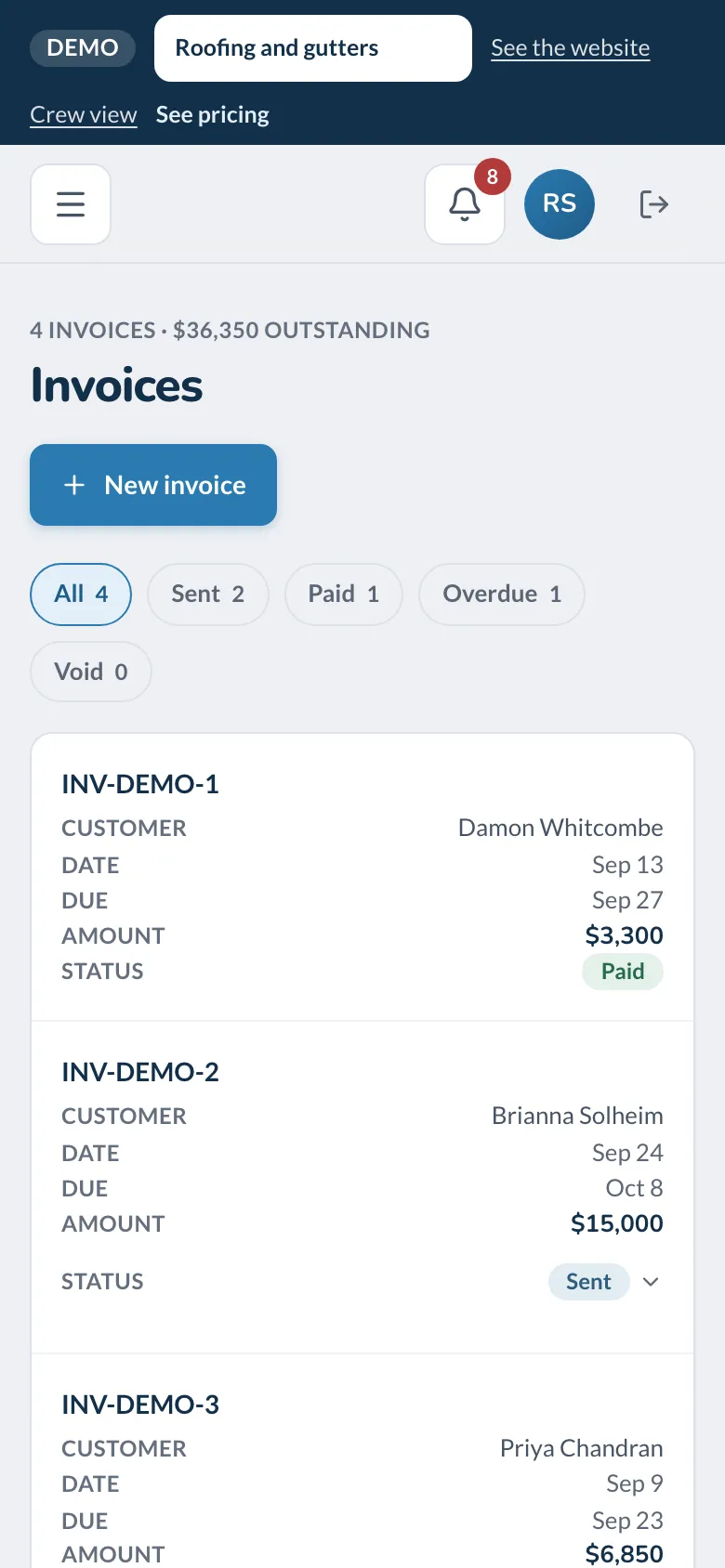
“Did we ever invoice that job from June?” Now you just look.
Every estimate that hasn’t turned into a job and every invoice that’s sent, paid or overdue, on one screen. The customer signs off on the invoice from their own portal, so a chargeback isn’t your word against theirs.
When the job’s done, one tap texts them a link to leave you a review. Gutter-cleaning plans go on the calendar by themselves, and finishing a visit writes its invoice and books the next one. That’s recurring revenue you don’t have to chase.
Everything in one place
One login for the office, one for the crew, and one place to look when somebody asks.
The website
A page for every city you work and every problem homeowners search for, plus guides that answer their questions before they call.
The estimate request
Six short steps on a phone, ending with how and when they’d like to hear from you.
Leads
One pipeline from the first request to won, with every call and note kept on the lead.
Estimates
The roof measurement, your own packages and prices, and a link they sign on their phone.
Jobs and the schedule
The week by crew, a map for routing the day, and a share link that works as a calendar.
The crew’s phone
Today’s jobs with directions, an on-site button, and photos before, during and after.
Invoices
Sent, paid and overdue on one screen, and over to QuickBooks Online if you use it.
Reviews and maintenance plans
A review request when the job’s done, and plan visits that book and invoice themselves.
04 · What it costs
Three ways to pay for it. All three get the whole platform.
Standard
The website, the estimate request and the office app, month to month after setup.
$2,500 setup, then month to month
- The website, built with your cities and services
- The office app and the crew’s phone view
- Month to month once setup is paid
Setup is me building it: your services, your cities, your photos and your words, your domain, and the office app loaded with your price list and your crews. You never open an editor. It’s a completely custom platform, so if something isn’t the way you work, we change it.
What I need from you: a twenty-minute call, your logo if you have one, whatever photos you’ve got, and your price list. I do the rest.
05 · Questions
The ones that usually come up first.
Does it cover gutters and skylights too?
Where does an estimate request go?
Can the crew use it on a phone?
What happens to my current website?
Am I locked in?
Does it work with QuickBooks?
Is the demo’s data real?
06 · Talk to me
Send me a note and I’ll walk you through the demo in ten minutes.
I’m a quick message away after that too. If it’s not for you, you’ve lost ten minutes and seen exactly how I’d build yours.
The demo website
The office app
● Sent
Got it. We’ll be in touch shortly.
Thanks for reaching out, . .
Go click around. Then tell me how your office runs.
It’s all live at roofing.demo.mantelmarketing.com, and there’s nothing to sign up for.